
Screen recordings,
clipped.
Klippit is a native Mac screen recorder for sharing your work in seconds. Pick an area, hit record, drop a video or GIF straight into Slack. No signup. No cloud. No fluff.
In private beta · macOS 14+ · Apple Silicon · public launch soon
Best fit: quick local work clips — bug reports, demos, GIFs, Slack.
Not for: hosted team video links, comments, transcripts, or polished marketing videos.
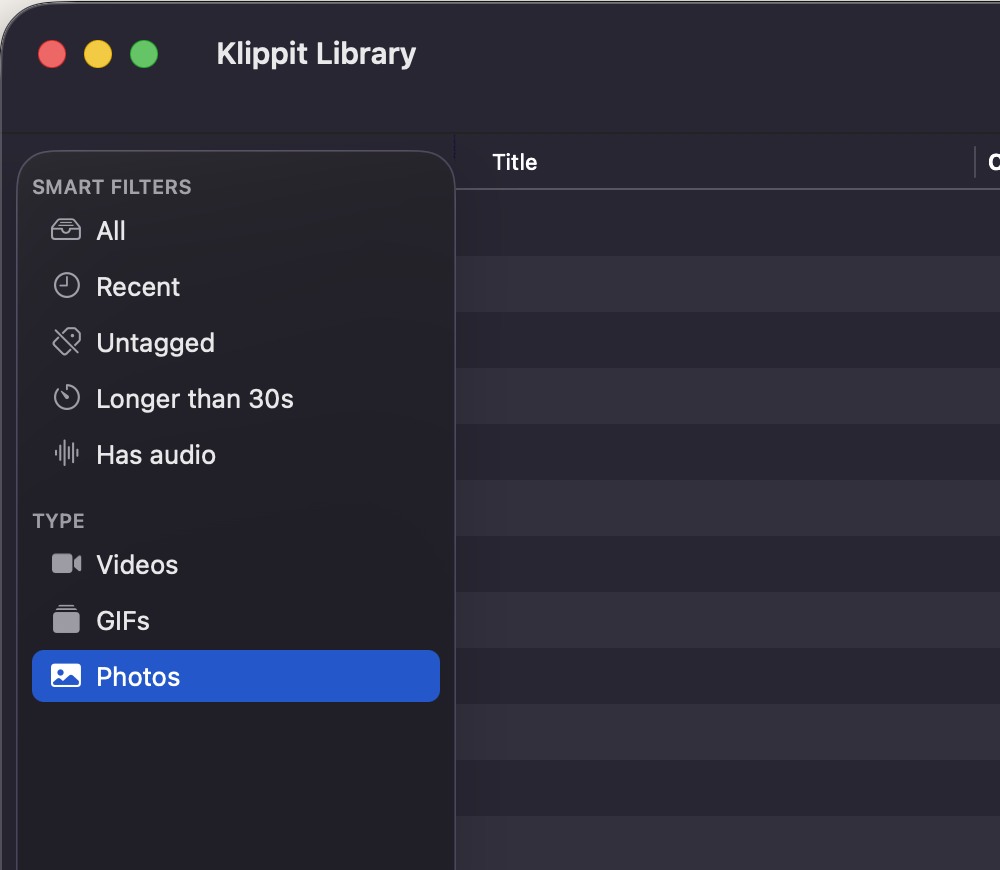
The Library
Every recording, organised automatically.
Most screen recorders drop your clips into Downloads and forget about them. Klippit auto-files every recording into a real library you can search, tag, and Quick Look — same muscle memory as Finder, none of the cloud upload.
- ✓ Auto-saved to your Mac the moment you stop recording — never lose a clip
- ✓ Tag, group into collections, smart-filter by audio / type / duration
- ✓ Grid and list views with sortable columns — just like Finder
- ✓ Spacebar for Quick Look preview, ⌘A to select all, drag to anywhere
- ✓ Lives at ~/Movies/Klippit — your files, your disk, your control
Built for people who share their screen for a living.
Every feature in Klippit exists because the macOS built-in tool didn't have it.
Pixel-perfect area selection
Drag, resize, nudge with arrow keys. Confirm before recording starts so you never capture the wrong window again.
Video, GIF, or PNG
One toggle. MP4 H.264 or HEVC for video. A real GIF encoder, not a screen-recording-renamed-to-.gif.
Cursor highlights & click ripples
Demo-grade emphasis on what you're doing. Bake it into the recording or leave it off — your choice, per session.
System audio + microphone
Capture either, both, or neither. No virtual driver to install. Pause and resume mid-recording without re-stitching.
Trim before you save
Cropping the boring bits is the difference between a 47-second clip and an unwatchable 4-minute video.
No cloud, no signup, no telemetry
Klippit is local-first. Your recordings live on your disk, full stop. No accounts, no upload, no nag. Works offline.
Lives in your menu bar
No dock icon when you don't need one. Global keyboard shortcut to record from anywhere — two keystrokes to clip.
Native, fast, tiny
Built in Swift on AppKit + SwiftUI. Under 6 MB. Launches in under 100 ms. No Electron, no telemetry, no signup.
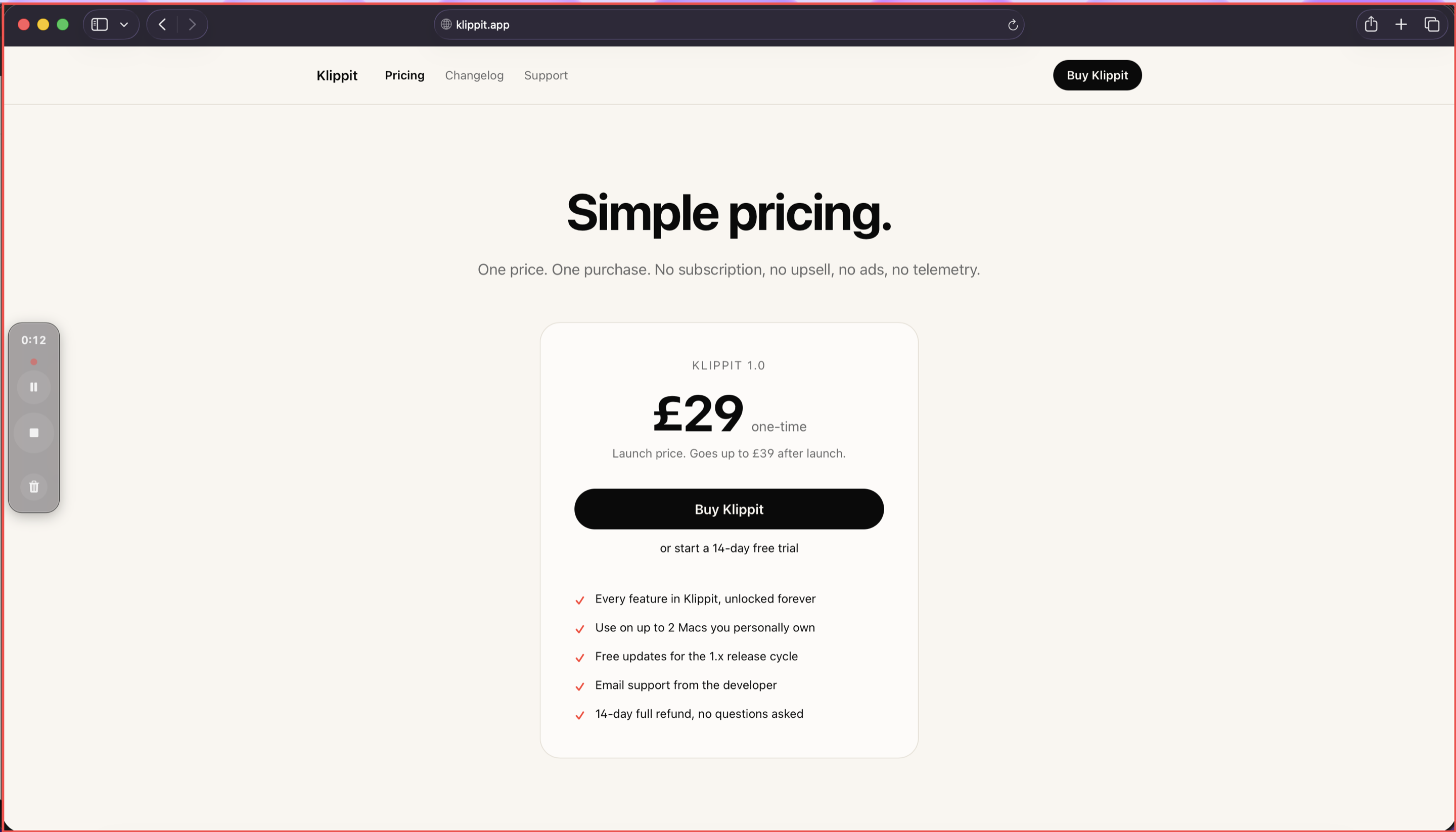
Try Klippit free for 14 days.
Full app, every feature, no payment details. If you keep using it after the trial, £29 one-time. Yours forever.